CAM LIBRARY
FEATURES
ZIM Cam access the webcam.
import from "https://zimjs.org/cdn/020/zim_cam";

OR see the NPM Package
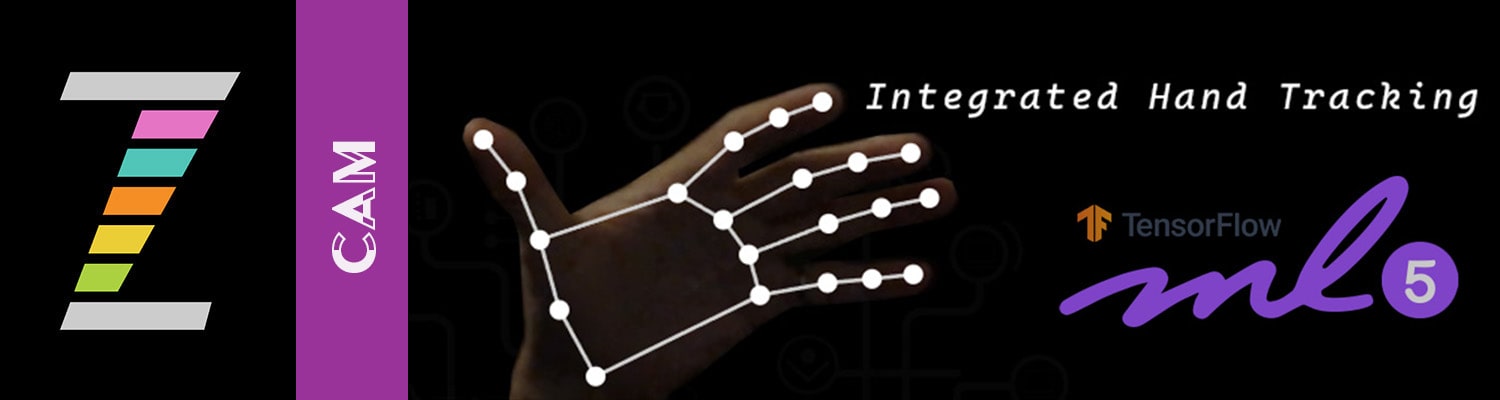
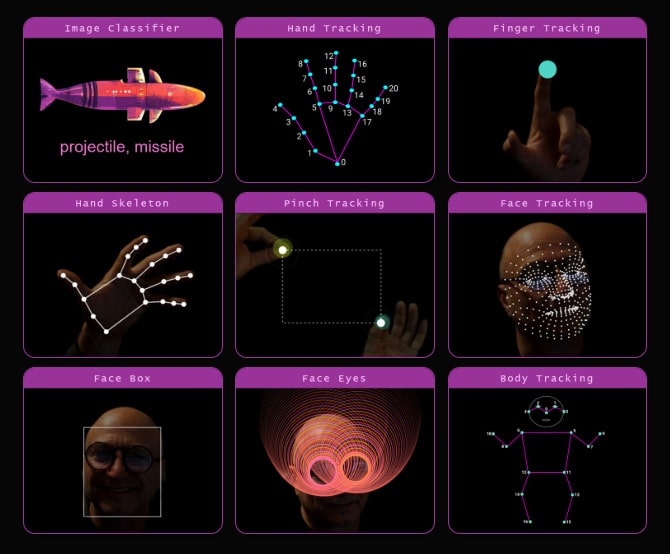
Initially ZIM provided motion capture but ML5 does it better. We have integrated pinch tracking to replace mouse events in ZIM. Here is the main example:

Also see the ZIM / ML5 mini-site which was made in an afternoon as we worked with ML5.
To simply use the Webcam for pictures, this type of code will do:
// CAM - capture web cam

// on a Mac, the canvas must be interacted with first
// so would recommend always using CamAsk first:
const ask = new CamAsk().show(yes=>{
   // if the user answers yes to the CamAsk
   if (yes) {
      // use scaleTo() to FILL the cam in the Frame
      // new Cam() will trigger the Browser asking for permission
      // unless already have given permission in this session
      let cam = new Cam().scaleTo().center();
      cam.on("ready", ()=>{
         // code here

		 // could let user add things to cam image
		 // then save as a meme, etc.
         const loader = new Loader();
         const save = new Button({label:"SAVE"})
            .pos(50,50,RIGHT,BOTTOM)
            .tap(()=>{
                save.vis(false);
                loader.save(S,"cam");
                save.vis(true);
            });
      });
      // if the user does not accept the browser asking about cam
      cam.on("error", ()=>{
         new Pane("CAM not accepted",yellow).show();
      });
   } else { // answered no to CamAsk dialog
      new Pane("CAM not accepted",yellow).show();
   }
});