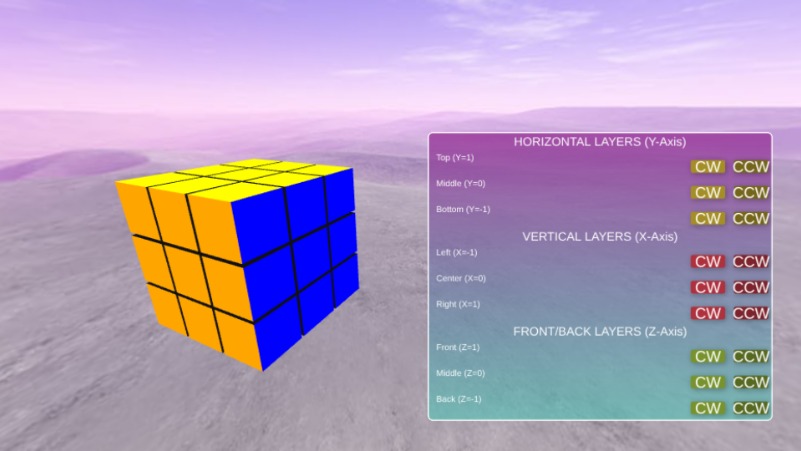
Rubix Cube: click CW ClockWise or CCW CounterClockwise X Y Z axis
how cool you can turn digital Rubix no in 360degree enviroment
TO DO: move with 2 fingers the position of the cube
TO DO: click next to the cube to turn in 360degree
TO DO: click CW or CCW to turn the blocks
https://zimjs.com/zapp/E_66A8Q
Pic Label Button tap pos scaleTo center TextureActive TextureActives darken toAlpha | pizzazz three
PROMO
EDITOR
FULL
SLATE
| ZIM is a JavaScript Canvas Framework for everyone to Code Creativity! |  |